Android Pomodoro & study focus timer

Focus deeper.
Get more done.

Pomorix is a calm Pomodoro timer, focus timer and study timer in one app. Pick a task, tap start, and watch your focus time grow, with Flow mode, smart insights and breaks that recharge.

  • Free
  • No ads
  • No account
  • Works offline
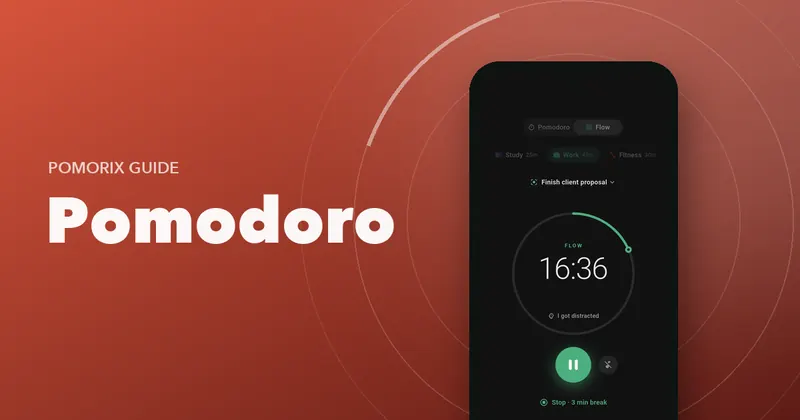
Pomorix Flow mode in dark theme, counting up 16 minutes of focus on a work task
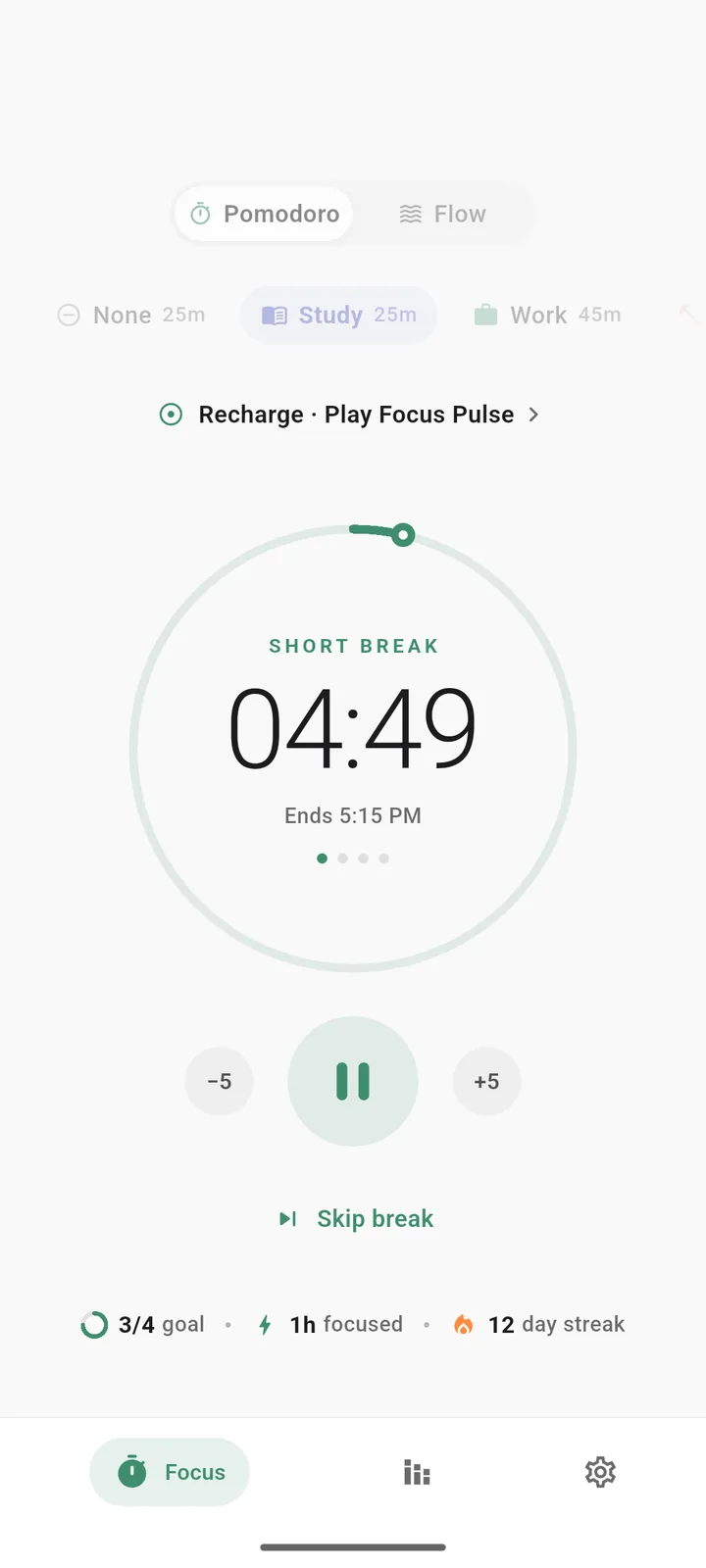
Pomorix Pomodoro timer running a 25-minute study session with a progress ring, plus and minus 5 minute buttons and today's goal
  • No adsNothing between you and your work
  • No sign-upStart in four taps
  • On your phoneYour data stays with you
  • Works offlineFocus anywhere
  • Light & darkEasy on the eyes
  • Phone & tabletAndroid 7.0 and up
Features

Everything you need to focus. Nothing you don't.

A clean timer up front, with tasks, stats, sounds and gentle nudges a tap away when you want them.

Pomodoro timer

Pomodoro, your way

Run the classic rhythm of 25 minutes of focus and a short break, or set your own. Pomorix keeps track of the cycle so you can keep your head in the work.

  • Set your own focus, short break and long break lengths
  • Choose how many sessions come before a long break
  • Add or remove 5 minutes while a session is running
  • Pause, resume, add time or finish right from the notification
  • Auto-start the next session, or start each one yourself
Pomodoro timer screen with the focus ring two fifths complete
Timer and Flow settings with focus, short break, long break, cycle length and auto-start options
Flow mode

In the zone? Keep going.

Flow mode (sometimes called Flowmodoro) is a count-up focus timer for deep work. Stop whenever you like and earn a break that matches how long you focused.

  • No hard stop when you're in the middle of something
  • Breaks scale with your focus: 5:1 by default, adjustable
  • An optional gentle nudge after 90 minutes reminds you to rest
Flow mode counting up with a Stop and take a 3 minute break button
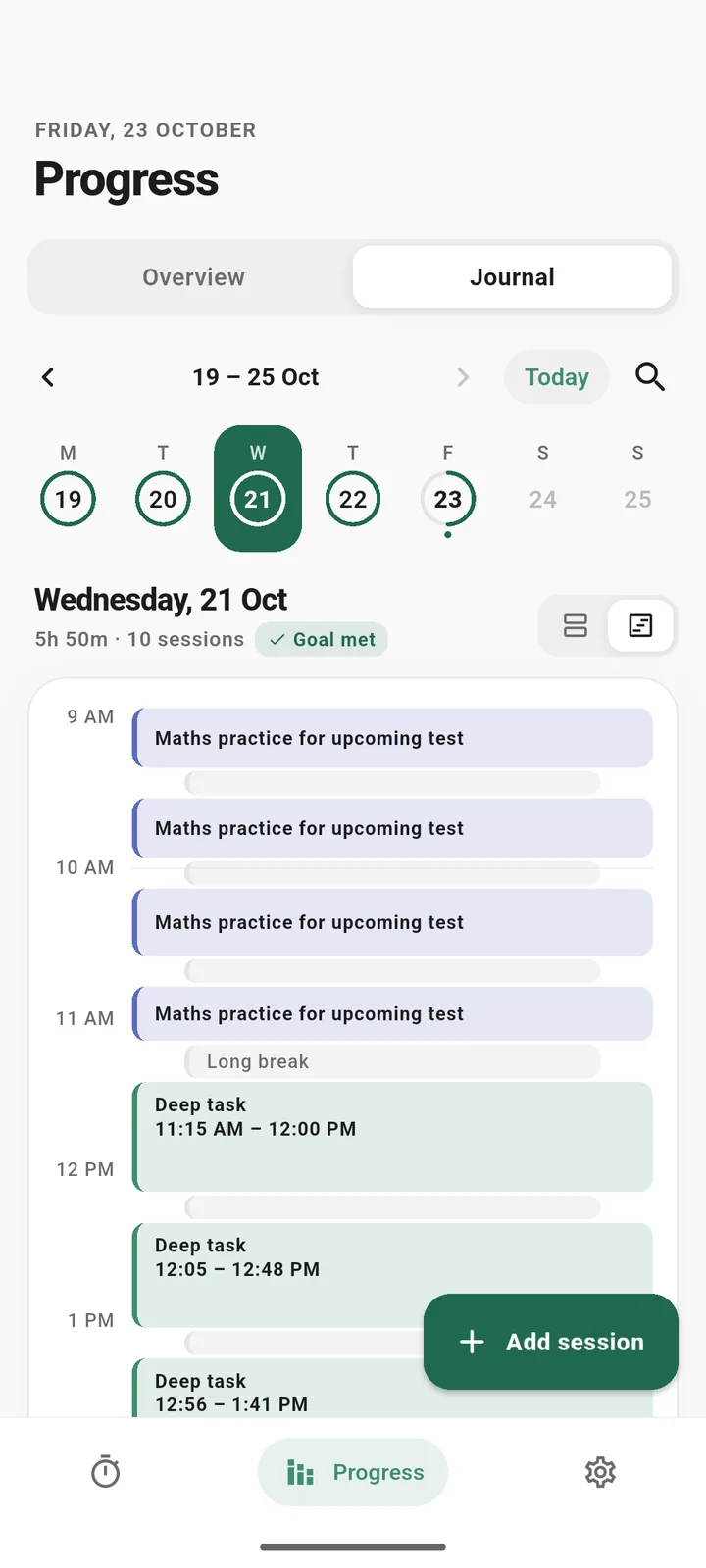
Focus journal timeline in dark theme showing a day of sessions and breaks
Stats & insights

See where your focus goes

A study time tracker that turns sessions into progress you can see, from today's total to a year of focused days.

  • Week, month and year charts of your study and work time
  • Time by category, daily average and best day
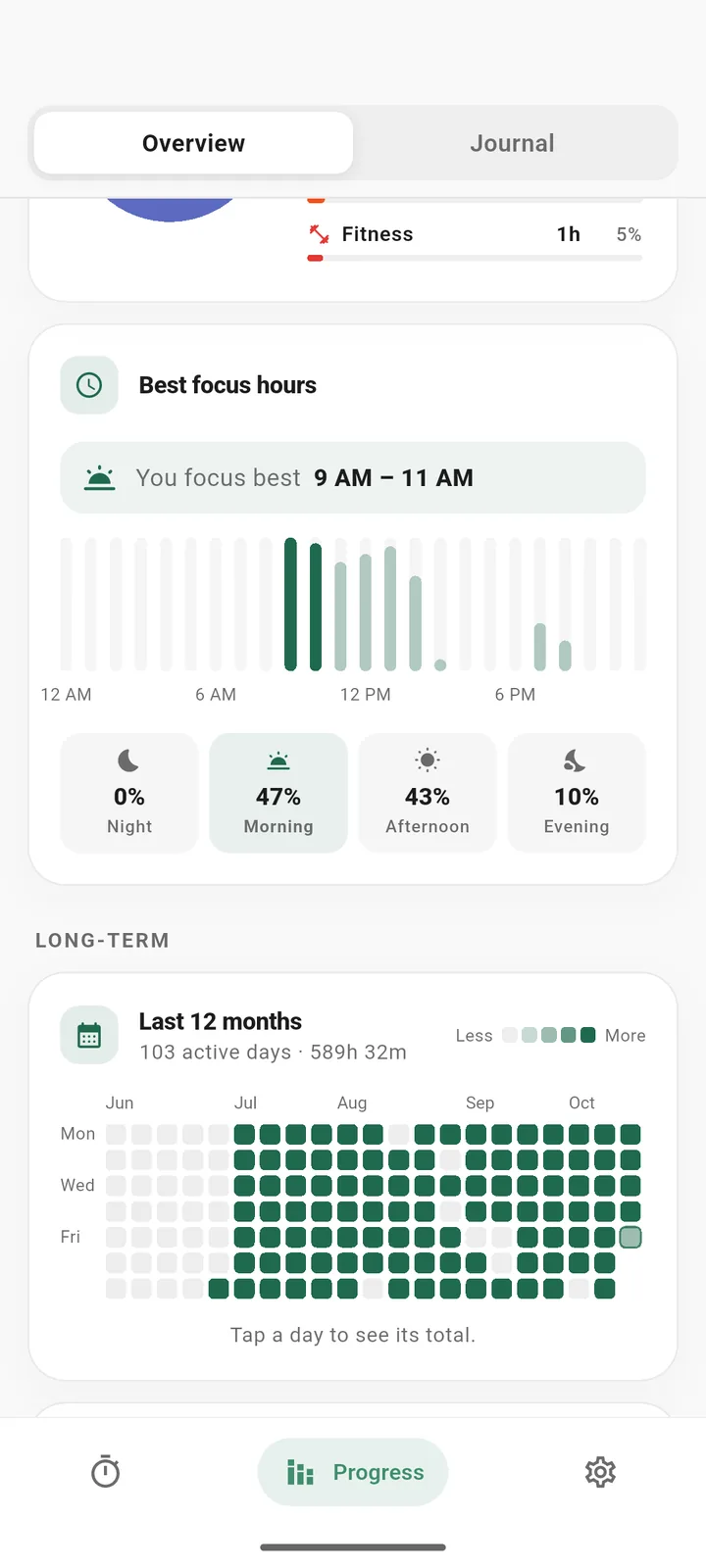
  • Your most productive hours of the day
  • A 12-month heatmap of every focused day
  • Daily goal in sessions or minutes, plus day streaks
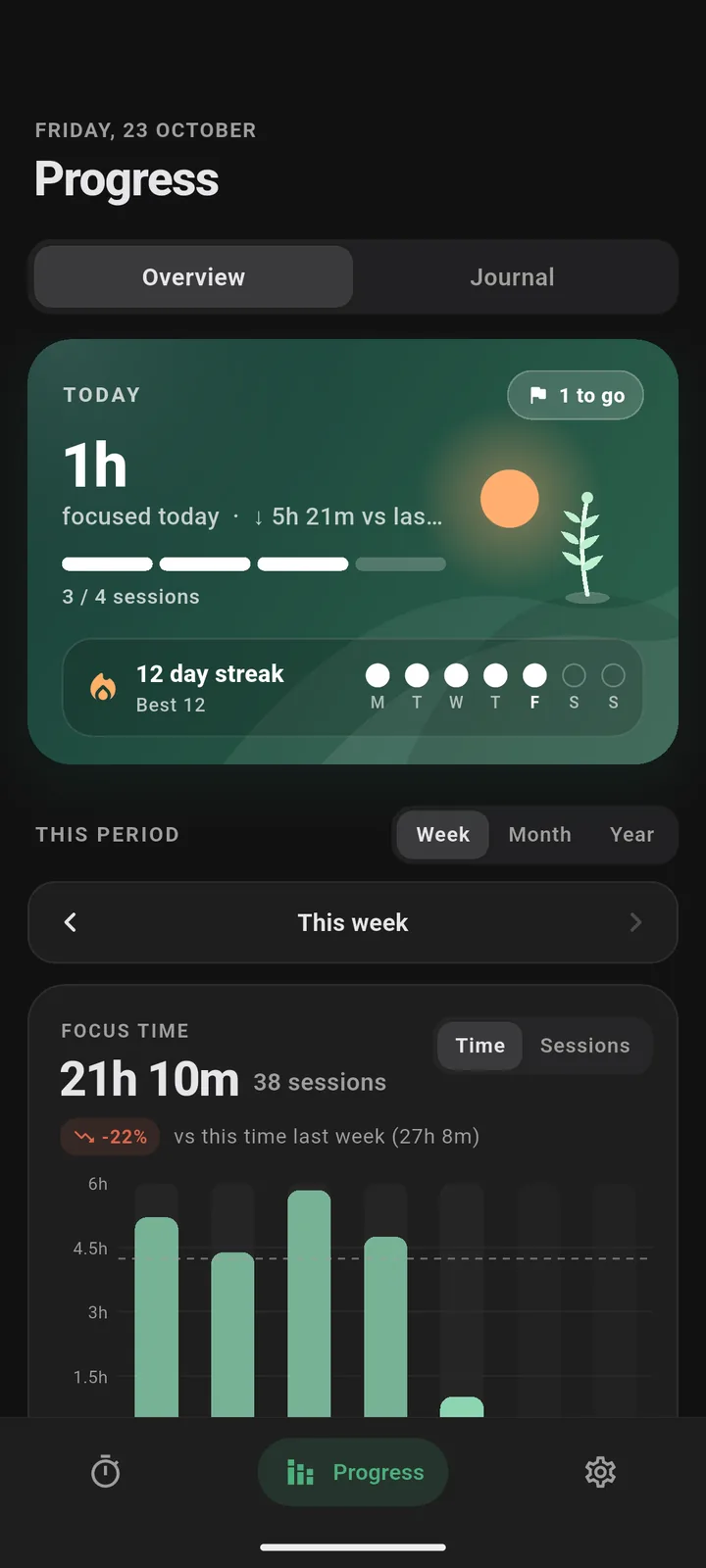
Progress overview with today's focus time, a 12 day streak and a weekly focus time chart
Highlights, daily average, best day, distractions per session and a time by category donut chart
Tasks & categories

Know what you're working on

Note what you're doing before you start. Light to-do tasks and your own categories keep every session tied to something that matters.

  • Add tasks with an estimate of sessions and watch progress ("2 of 4")
  • Start a session straight from a task
  • Create categories like Study, Work, Coding or Reading with an icon, colour and default length
  • Switch categories with one tap on the timer
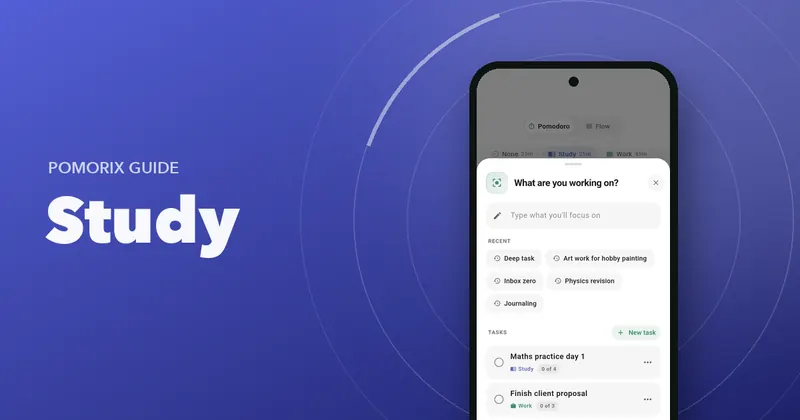
What are you working on sheet with recent intentions and tasks showing session progress
Categories screen listing Study, Work, Fitness, Creative and Personal with default lengths
  • Focus journal

    A searchable journal of every session with your notes, as a list or a timeline. Forgot to start the timer? Add or edit a session by hand.

  • Focus sounds

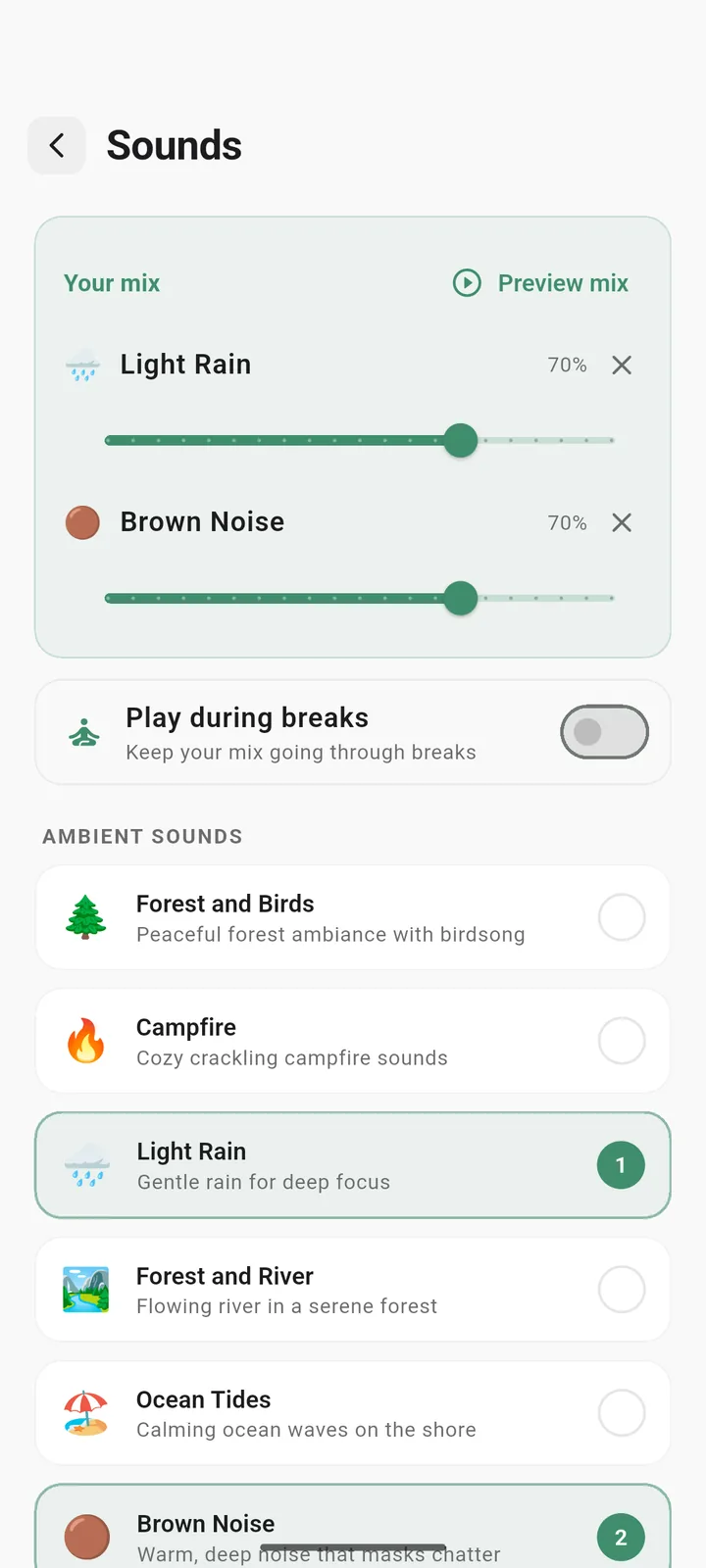
    Rain, thunderstorm, ocean, forest, café, campfire, lo-fi, brown and pink noise and more. Mix two with separate volumes, or import your own audio.

  • Beat distractions

    Tap "I got distracted" to count slips and watch them drop. Optional automatic Do Not Disturb, and the screen stays awake while you focus.

  • Alerts you won't miss

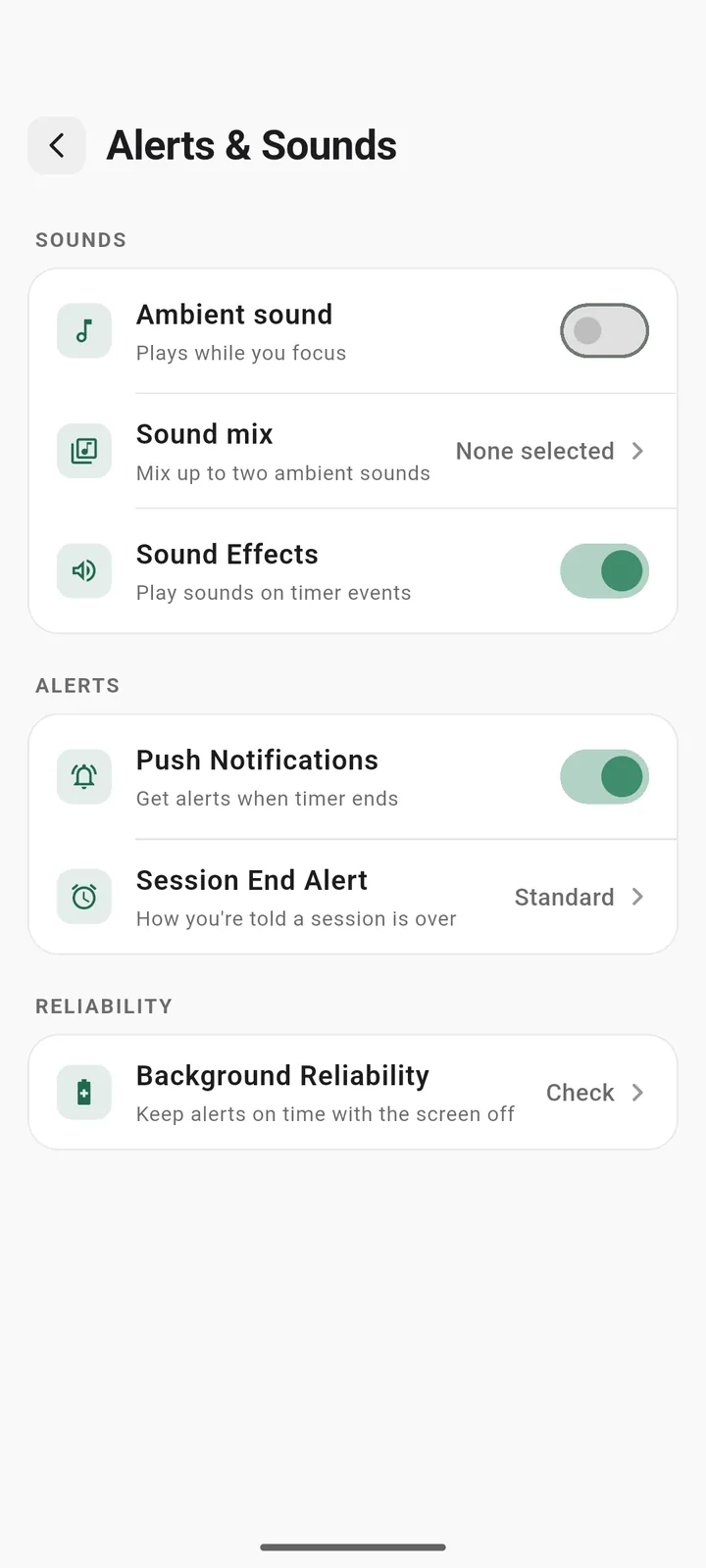
    Choose a standard sound, a loud alarm or vibration only. A built-in guide helps keep alerts on time with the screen off.

  • Home screen widget

    See the running timer and today's focus total without opening the app. Plus a daily focus reminder to keep your streak going.

  • Focus Check & Focus Pulse

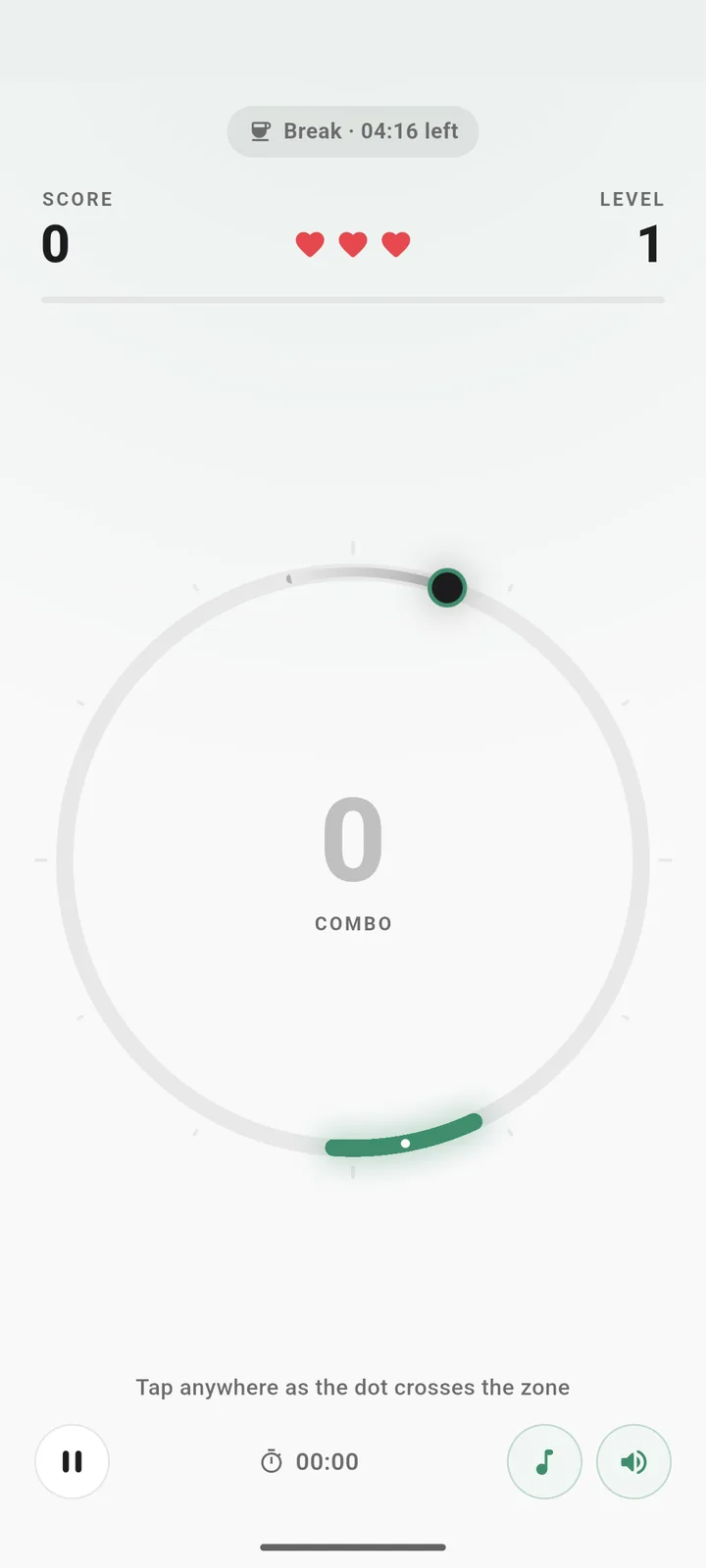
    Take a short tap-based Focus Check for a suggested session length, and play the Focus Pulse mini game on a break.

  • Backup & CSV export

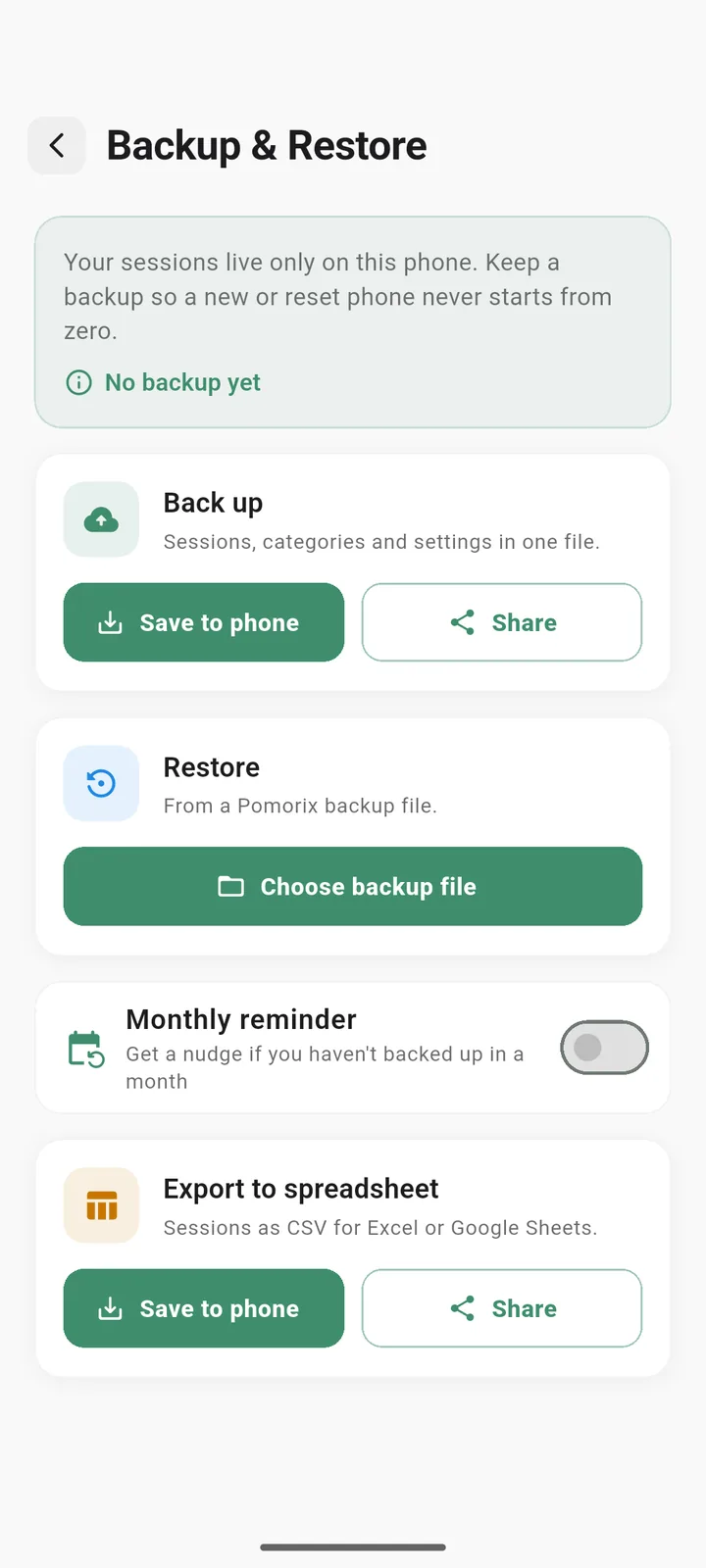
    Back up and restore your history to a file, and export sessions to CSV for Excel or Google Sheets.

  • Your day, your hours

    Set when your day starts, so late-night study sessions count toward the right day. Great for night owls.

  • Clean, minimal design

    A calm interface in light and dark themes, built for Android phones and tablets.

  • 2timer modes: Pomodoro and Flow
  • 11built-in ambient focus sounds
  • 12 mofocus heatmap of every focused day
  • 0ads, accounts or sign-ups
Screenshots

Take a look inside

Real screens from the Pomorix app on Android.

How it works

Ready in four quick taps

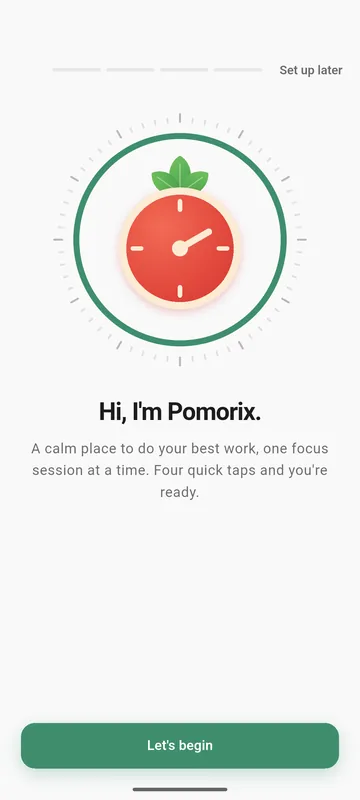
No typing, no account. A short, tap-only setup builds your focus plan, then takes you straight into your first session.

  1. Choose what you focus on

    Pick areas like Study, Work, Coding or Reading. Each one becomes a category you can track.

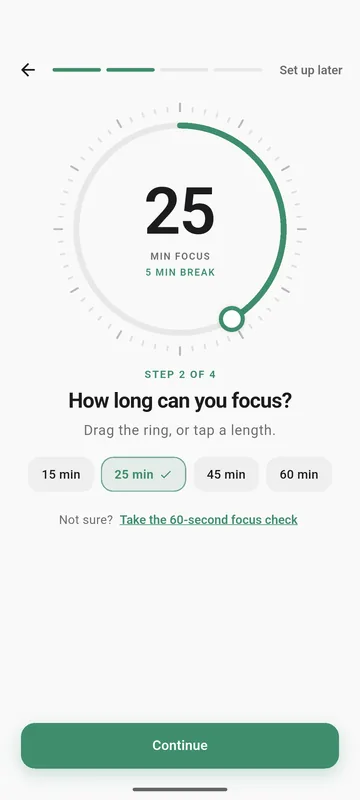
  2. Set your focus length

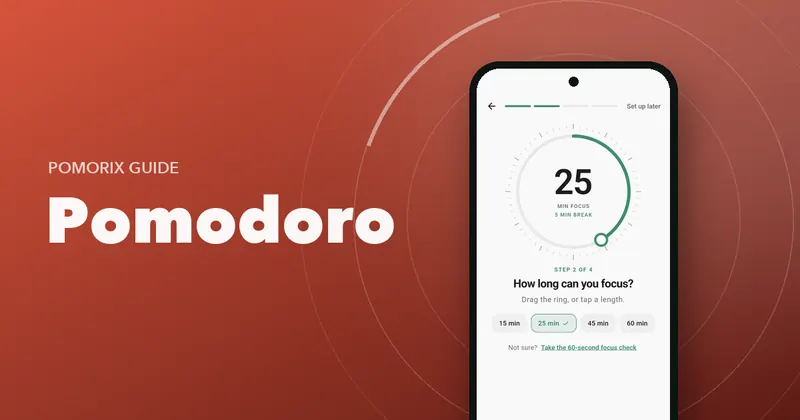
    Drag the ring or tap a length. Not sure? Take the 60-second Focus Check.

  3. Pick a daily goal

    Decide what a good day looks like and choose an optional daily reminder.

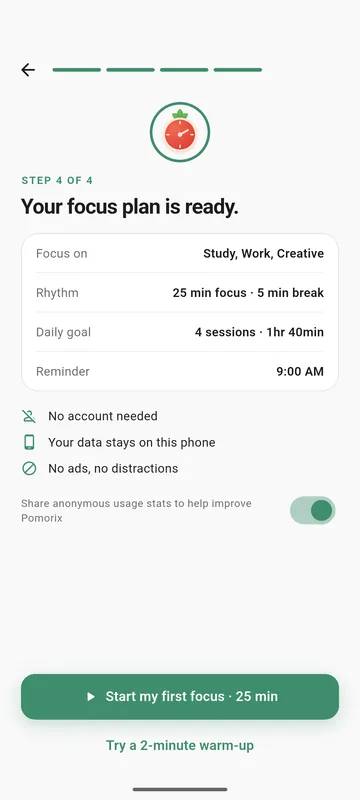
  4. Start your first focus

    Jump into a full session, or ease in with a 2-minute warm-up.

Who it's for

Built for people who want to start, and keep going

Whether you're preparing for exams or shipping work, Pomorix turns short focus sessions into a steady habit.

  • Students

    A study timer for exams, college and university, with study time tracking by subject and streaks that keep you coming back.

  • Developers

    Flow mode for deep work, with no hard stop in the middle of a hard problem and a break that matches the effort.

  • Writers & creators

    Show up for your craft every day. Notes on each session make the focus journal a record of what you made.

  • Remote workers

    Structure your day with categories, goals and reminders, and see where your hours really go.

Why the tomato timer works

The Pomodoro Technique, often called the tomato timer method, breaks work into short focus sessions with breaks in between. A timer makes starting easier, and the breaks help you keep going. Pomorix adds the parts that make it stick: a clear plan, honest stats and a streak to protect.

Privacy

Your focus stays yours

Pomorix works without an account. Your sessions, tasks, goals and stats are stored on your phone, not on our servers. Read the full Privacy Policy.

  • No account neededNo sign-up, no login, no email.
  • Data on your deviceBack up to a file only when you choose.
  • No adsWe don't sell your data or share it for advertising.
  • Analytics are optionalAnonymous usage stats can be switched off any time in Settings.
FAQ

Questions, answered

Can't find what you need? Email pomorixapp@gmail.com. We read every message.

Is Pomorix free?

Yes. Pomorix is free to download on Google Play and has no ads.

Do I need an account to use Pomorix?

No. There is no sign-up or login. Install the app, answer four quick setup taps and start your first focus session.

Where is my focus data stored?

Your sessions, tasks, goals and statistics are stored on your phone. You can back them up to a file, restore them on another phone, or export sessions to CSV for Excel or Google Sheets.

Does Pomorix work offline?

Yes. The timer, stats, journal and sounds all work without an internet connection.

How does the Pomodoro timer work?

By default you focus for 25 minutes, then take a 5-minute short break. After a set number of sessions (4 by default) you get a longer break. You can change every length, the number of sessions before a long break, and whether the next session starts automatically.

What is Flow mode?

Flow mode is a count-up focus timer for deep work, also known as Flowmodoro. Stop whenever you like and you earn a break that matches how long you focused (5:1 by default, adjustable). An optional gentle nudge after 90 minutes reminds you to rest.

Which focus sounds are included?

Rain, thunderstorm, ocean, forest and birds, forest and river, café, campfire, lo-fi, brown noise, pink noise and deep rumble. You can mix two sounds with separate volumes, keep them playing during breaks, or import your own audio.

Will I hear the alert when my screen is off?

Choose a standard sound, a loud alarm or vibration only. Some phones pause apps in the background to save battery, so Pomorix includes a built-in guide that helps you set battery options so alerts stay on time.

Is Pomorix available on iPhone?

Not at the moment. Pomorix is available for Android phones and tablets (Android 7.0 or later) on Google Play.

Does Pomorix collect analytics?

Pomorix uses anonymous usage stats and crash reports to improve the app. Advertising IDs are disabled, and you can switch analytics off at any time in Settings → Privacy. See the Privacy Policy for details.

Your next focus session
is one tap away

Download Pomorix free on Google Play and turn short focus sessions into a steady study and work habit.

Get it onGoogle Play

Free · No ads · Android 7.0 and up